Best Free Background Remover Tools for Product Photos
Choose a tool by the file you can actually use in your store: clean edges, enough pixels, the right background, and a repeatable export process.
Quick answer: Backgroundless is a useful starting point for sellers who want free individual cutouts on their own device. Fotor and Pixlr also advertise free removal. A design suite may fit better if you already work there. The best free background remover for your catalog is the one that preserves your product and delivers a usable download.
Disclosure and scope: This guide is written by Backgroundless. Official product pages were checked on September 21, 2026. This is a feature and workflow comparison, not a new quality benchmark. The earlier claim that we tested all seven tools on 20 images is withdrawn because the corresponding outputs are not available here for readers to inspect.
Seven tools: current free offers and seller tradeoffs
Read each offer as the vendor describes it. A free preview, a free account, and a paid-plan trial can have different download rights. We have removed the old unsupported daily caps and do not assume that every competitor adds a watermark.
| Tool and source | What is available | What sellers should check |
|---|---|---|
| BackgroundlessOur current plans | Free individual cutouts, no watermark or signup. Free bulk: 40 images per run; individual downloads. | ZIP downloads and Catalog Studio Pro are paid workflow features. Pro is $29.99 during the Autumn sale (regular $49). Processing speed depends on your device. |
| remove.bgOfficial free-plan explanation | Official help documents free previews up to 0.25 MP, one bonus high-resolution credit for a free account, and 50 API/app previews per month. | Website previews and API allowances are different. Check the current migration notice before building a recurring workflow. |
| CanvaOfficial background-remover page | Background removal sits inside the design editor. Its current feature page directs users to Canva Pro for unlimited use. | The page does not specify a universal free allowance. Check the offer shown in your account and whether your chosen design exports a transparent PNG. |
| PhotoroomOfficial commercial-use restriction | Free accounts are for personal, non-commercial use according to its Help Center. | For store listings, evaluate a paid account. Export allowances and AI credits are separate; check the current plan before a large batch. |
| FotorOfficial remover features and limits | Its dedicated remover advertises free HD PNG downloads without watermarks or signup, and batch removal for up to 50 images. | No fixed daily allowance is stated on that page. Confirm the actual download and any account-specific limits; we have not measured its batch performance. |
| Adobe Express / FireflyCurrent official Adobe remover page | The former Express remover URL now describes Firefly: free removal with an Adobe account and a daily generation allowance; transparent PNG download. | The page does not give a numeric daily allowance. Adobe says paid Firefly plans unlock unlimited use of this feature. |
| PixlrOfficial remover guide and limits | Its dedicated remover advertises free use, batch removal, and ZIP downloads. Its tool guide lists support up to 4096 × 4096 pixels. | Check the dedicated remover separately from other Pixlr editors. We have not verified its advertised batch capacity in a hands-on run. |
For Photoroom, compare its current export and credit allowances before preparing commercial listings. For remove.bg, read the official Canva migration notice and check your account for the applicable transition details. The migration notice is separate from the older free-plan help article.
A short product-photo demonstration
These are existing Backgroundless demo assets, reused to show the inspection process. They are 760 × 760 pixels, so they illustrate edges and transparency; they are not full-resolution originals or evidence of a fresh competitor test.
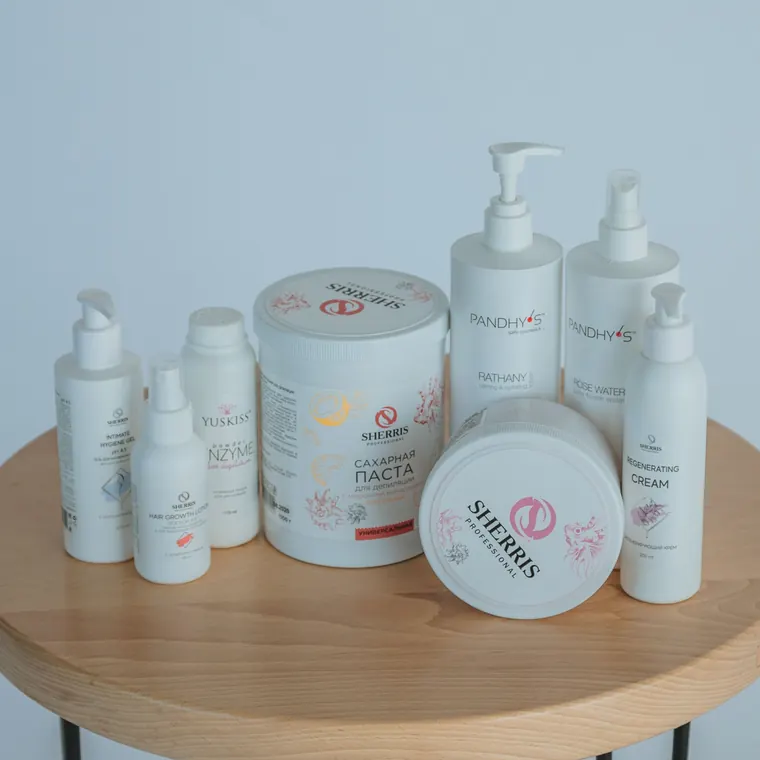
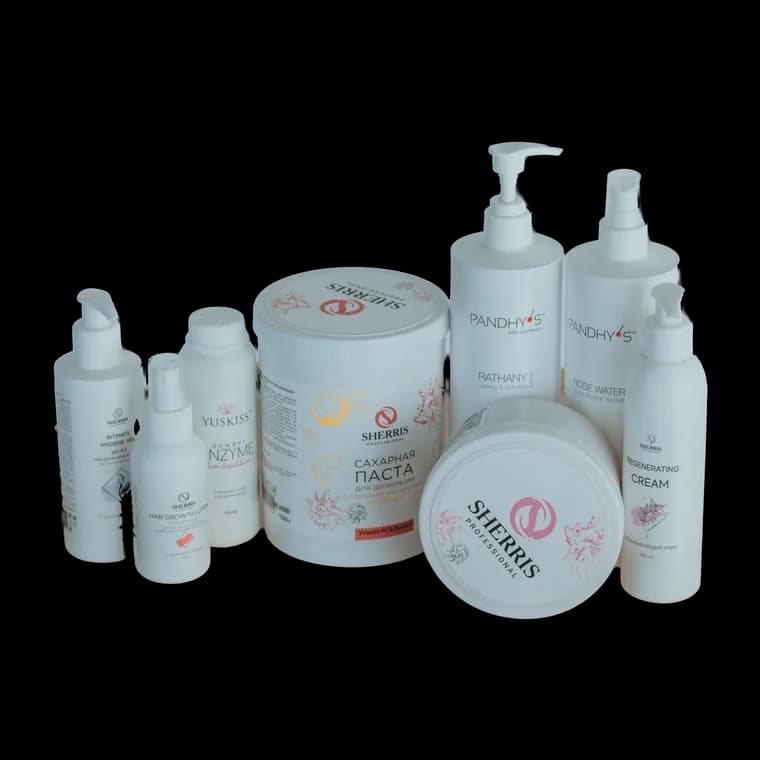
- Open the cosmetics input in the free editor and remove the background. Keep the original file.
- Inspect the outline against a light and a dark background. Look for missing corners, gray fringes, and holes inside the product.
- Download a transparent PNG. Reopen that file and check its pixel dimensions and transparency; the editor preview alone is not enough.
- If your listing needs a solid background, use the white-background workflow and review that export separately.
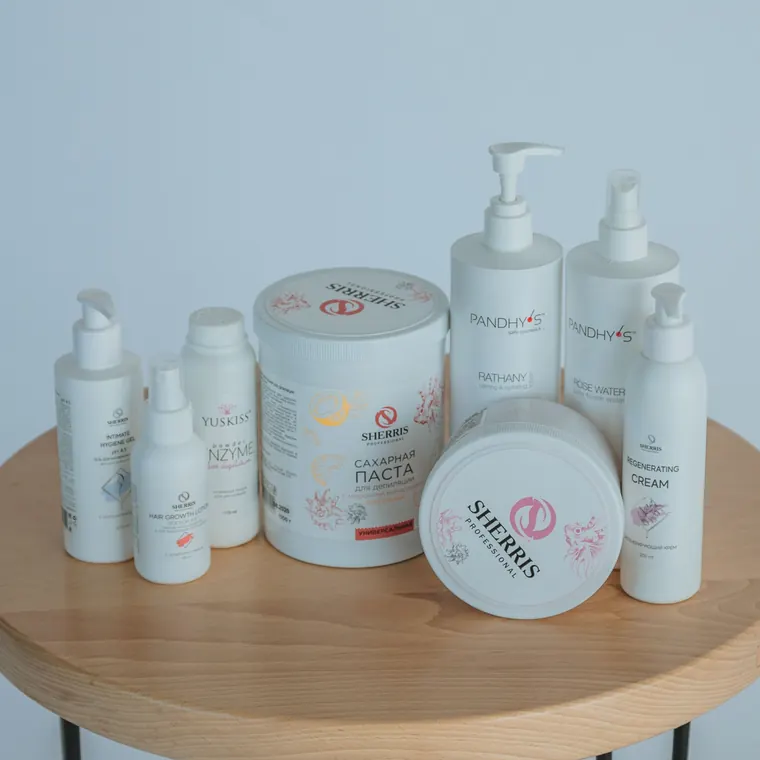
A 760-pixel input cannot prove how a tool handles a 3,000-pixel supplier photo. Repeat these steps on your own largest source before committing a catalog. Increasing the export dimensions does not recreate detail missing from the source.
Reproduce the comparison on your own catalog
Use the same unchanged input in each tool, record the date and account tier, and save the first automatic result before touching refinement controls. Then record any manual work separately. This keeps an easy cutout from being compared with a heavily repaired one.
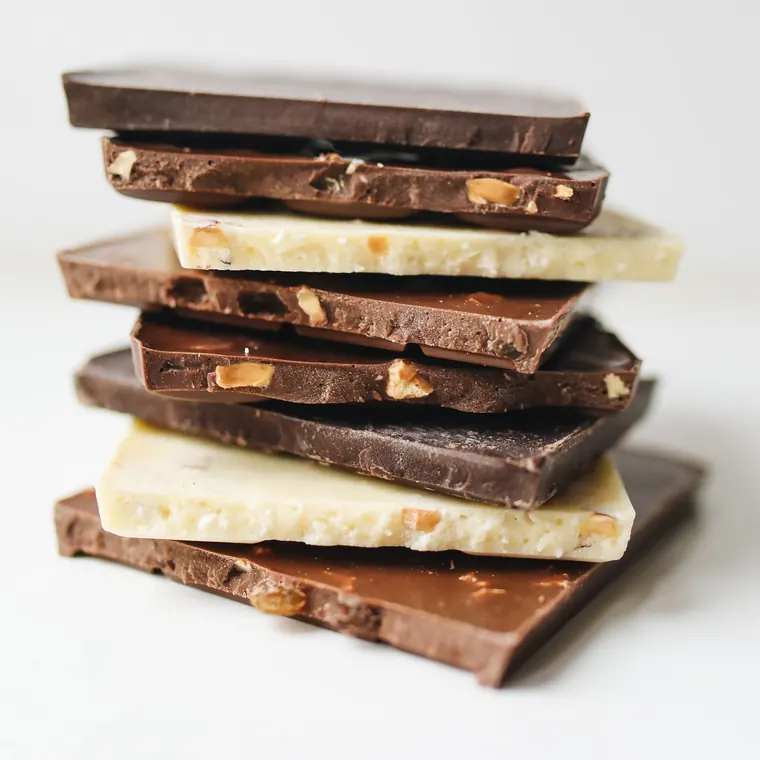
For a small shared practice set, use the cosmetics packaging, gummy jar, and chocolate sample. Add your own white product on a pale backdrop, a fabric edge, and a reflective or see-through item. Review those difficult cases before processing hundreds of files.

- Edges: Are labels, straps, seams, and holes intact? Judge at 100% zoom on both light and dark backgrounds.
- Download: Record width, height, file type, transparency, and any watermark from the actual saved file.
- Effort: Record the initial model download separately from repeat processing. Include manual cleanup and export time.
- Batch recovery: Keep SKU filenames and note what happens when one image fails. A finished batch can still contain failed items.
- Rights and cost: Check whether the account permits store imagery and whether credits apply to processing, downloading, or both.
Download the dated comparison worksheet to record those observations and the input manifest with SHA-256 checksums to identify the exact files. Its rows are deliberately marked “not run”; there are no invented scores or elapsed times. Until every tool has saved outputs from the same inputs, we cannot fairly rank cutout quality.
For a 60-photo delivery, count usable exports rather than successful previews. If one tool needs six repairs and another needs two, record the actual repair minutes before deciding. Neither a batch limit nor a vendor speed claim tells you that cost.
From one cutout to a seller workflow
Start with one difficult product. If the output passes inspection, move to the folder-to-download bulk workflow. Backgroundless free bulk runs accept up to 40 images and offer individual downloads. Pro adds ZIP downloads and Catalog Studio workflows for larger jobs, with a $29.99 during the Autumn sale (regular $49) purchase rather than a subscription.
For marketplace preparation, the Catalog free trial lets you evaluate the workflow before upgrading. Keep your original files, check SKU mapping, review failed or flagged images, and inspect the package before uploading it to your store. Automated image checks do not guarantee marketplace acceptance.
Keep a transparent PNG master when you need to reuse a cutout. The PNG-versus-JPG guide explains why a JPG cannot retain transparency. Export a separate solid-background version when the destination calls for one.
Print-on-demand is an adjacent use case: the same transparency checks help, but a print file also needs sufficient pixels for its intended physical size. Follow the T-shirt preparation guide and your printer’s specifications instead of treating a listing thumbnail as print-ready.
Go deeper on one question
- Background remover pricing compared - subscriptions, credits, and one-time licences side by side
- Background removers without watermarks for commercial use - what a store-ready export needs
- Background remover free trials - what a trial includes and what needs no trial at all
- Best transparent background tools - checking for a real alpha channel in the saved file
- Web-based background removers - server-side versus in-browser processing
Frequently asked questions
Which free background remover should an online seller try first?
Start with a representative product photo and compare the downloaded files. Backgroundless offers free individual cutouts without a watermark or signup, with processing on your device. Check commercial-use terms, export dimensions, and batch workflow before choosing any tool.
Is a free preview the same as a full-resolution download?
No. For example, remove.bg documents free previews up to 0.25 megapixels. Always inspect the downloaded dimensions; a large preview on screen does not establish the resolution of the saved file.
Does Backgroundless require a subscription?
No. Individual background removal is free. Pro is $29.99 during the Autumn sale (regular $49) and adds workflow features including ZIP batch downloads and Catalog Studio. Free bulk runs support up to 40 images with individual downloads.
Were all seven tools retested on the same images for this update?
No. This September 21, 2026 update checks official product information and supplies a reproducible comparison protocol. The example images are existing Backgroundless demo assets, not a new seven-tool benchmark. We do not publish a quality ranking without the corresponding output files.